Official comment

This Campaign is going to be used strictly for reporting purposes, and will be incorporating the use of Performance Mode in order to give you the average time between a contact's initial opt in and their initial purchase.
Note: Due to the nature of the Trigger you'll be using, this Campaign will only apply to Contacts that are added to your database going forward, so make sure to add an "End" Element after the "Added to Campaign" Trigger!
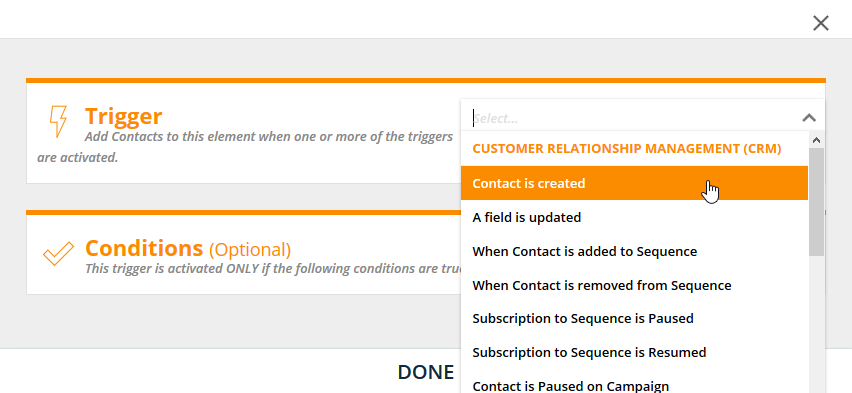
1. First, you'll need to determine what action is going to trigger addition to this Campaign. We'll be using the "Contact is created" selection, as it allows us to add anyone to this Campaign as soon as they are added to your database:
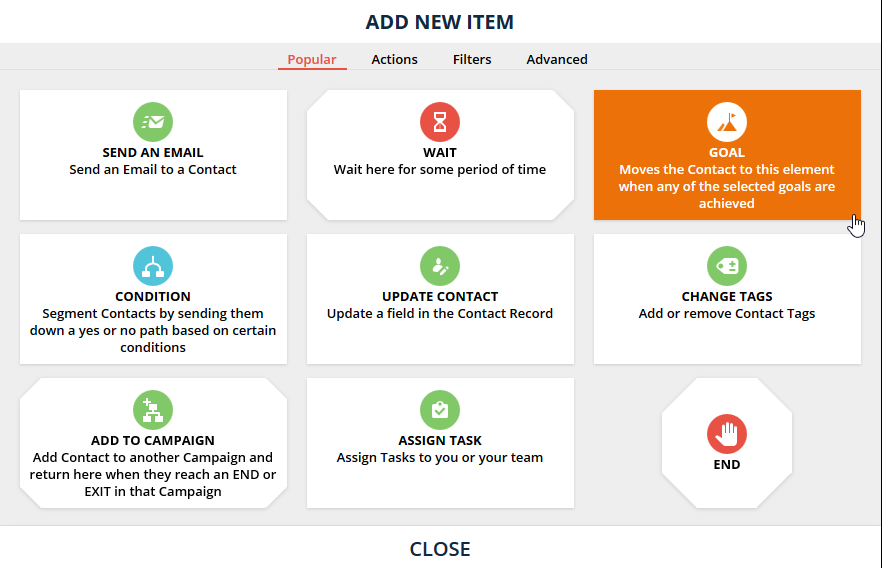
2. We'll be using a Goal for the initial "What happens next?" after the Trigger, since the Goal Conversion Time is what we're after:
3. Once the Goal element has been added, choose the "A field is updated" selection:
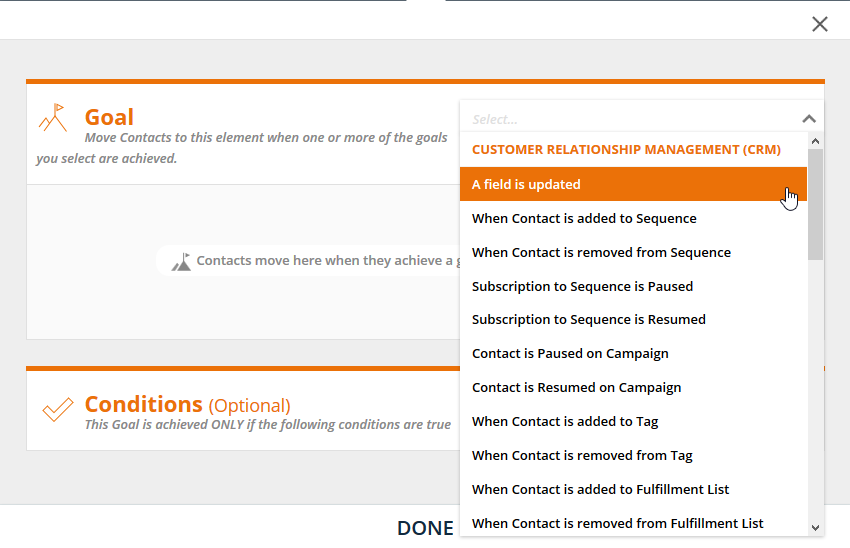
4. Select the "Spent" field from the Field dropdown menu:
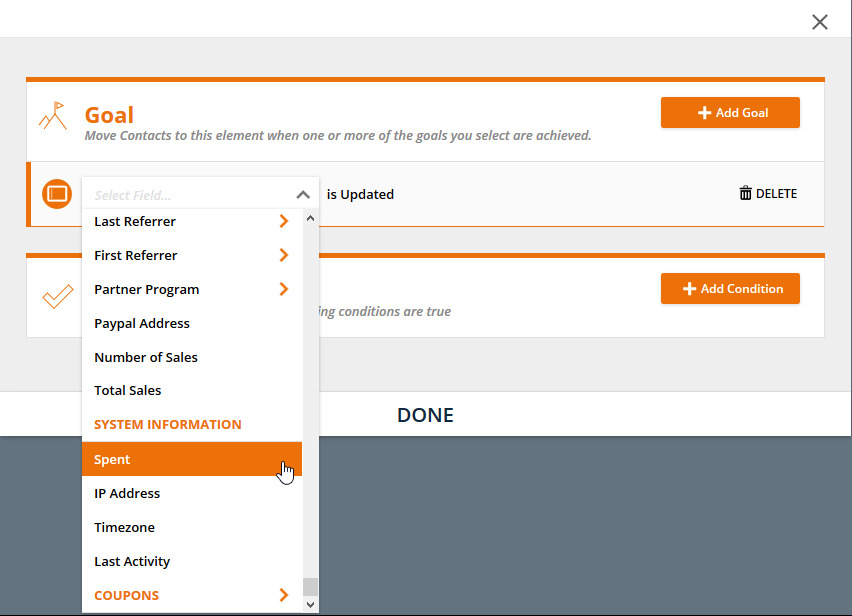
5. Next, we'll determine the Condition of the Goal. We're tracking the average time between first opt in and first purchase, so the "Spent" field can't very well equal 0, can it?
Select "Field is this value", and choose the following options:
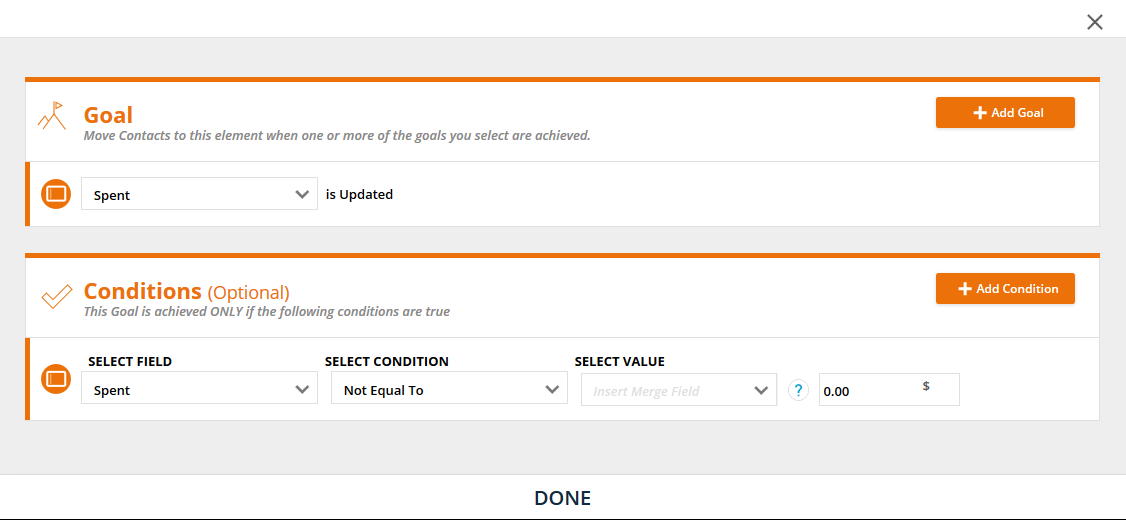
6. Lastly, place an "End" Element after the Goal:
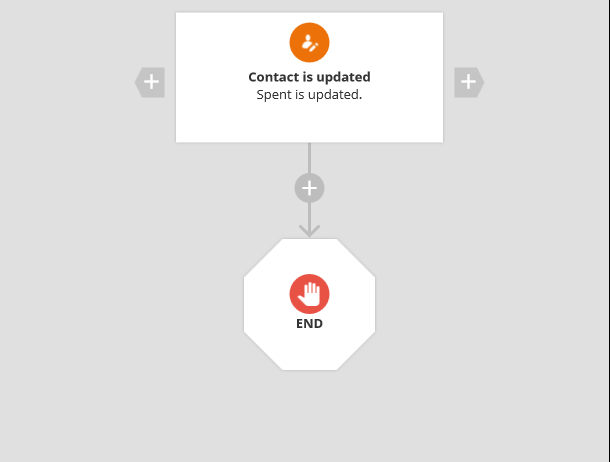
At this point, the Campaign is complete! Feel free to hit "Save and Publish" to make it live! The end result should look like this:
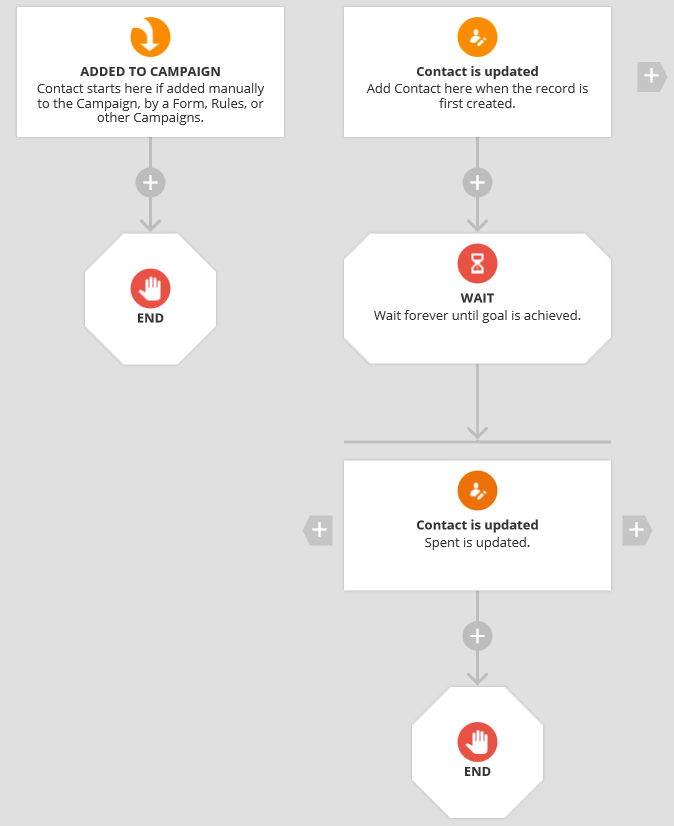
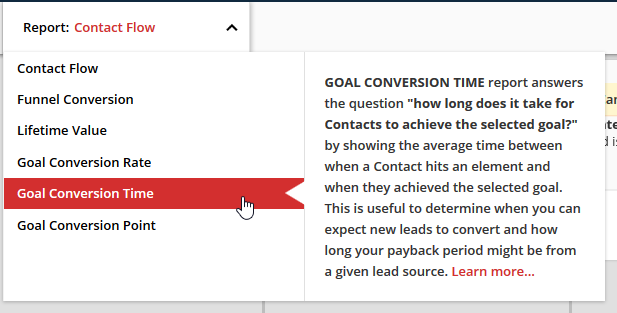
After the Campaign has been running for a little while, choose the "Goal Conversion Time" Report to see the average time between opt in and initial purchase: