Post

2 followers Follow
1
Avatar

Where can I translate the strings in the Ontraport forms and emails?

Guylaine Guevremont

Hello,

I would like to translate the strings that can be found in the forms and emails.

Examples:

  • Warning messages if a required field has not been filled.
  • Footer notes in the email messages sent to our clients, like "If you wish to stop receiving our emails or change your subscription options, please Manage Your Subscription".


If there is a section in your documentation that covers this, please give me the URL! I haven't found it.

Thank you for your help!

Answered

Official comment

Avatar

Hi Guylaine! I apologize for missing your request earlier.

Some localization is available if you need the items translated into another language. Contact Support at support@ontraport.com for more information. 

The current languages supported are: 

Bilingual (English / French), Czech, Dutch, English, French, German, Italian, Japanese, Norwegian, Polish, Portuguese, Romanian, Russian, Spanish, and Spanish_neutral
 
 
The language packs change the language of the footer in the email and the unsubscribe page the person goes to when they click the link. Currently, it does not change the pop up warning messages that a field on a Form is required (that is in the works, but I'm afraid I don't have an ETA on that as of right now). 
Frank Hagan
Comment actions Permalink

Please to leave a comment.

2 comments

0
Avatar

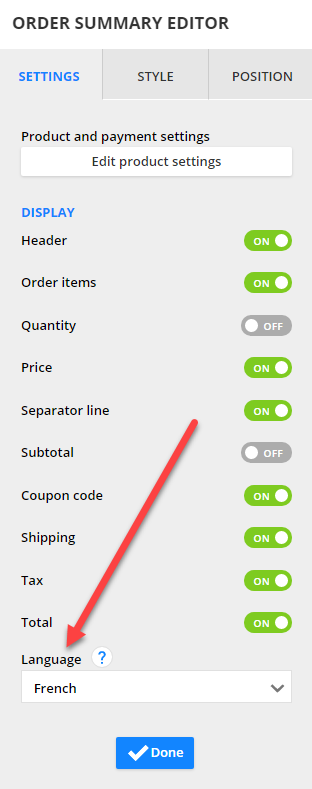
You can also apply the language packs to form headers in Ontraport Pages (not available in OntraForms or legacy Smart Forms). Here's our blog post on today's release. 

Frank Hagan 0 votes
Comment actions Permalink