
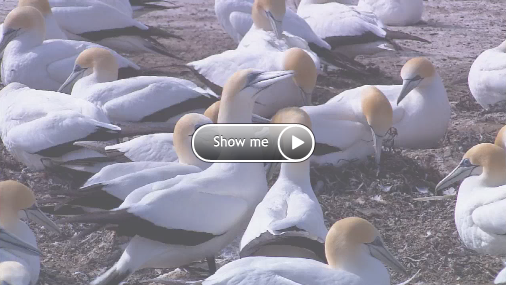
While there isn’t a way to have a video play inside an email in the majority of email clients, you can make it appear as if there is a playable video. The way this is done is by inserting a linked screenshot image of the video into an email that, when clicked, directs people to a page where the video can be seen.
1. Upload your video to ONTRAPORT or desired video host.
2. Post the video to an ONTRApage and publish it. Document the URL of your ONTRApage. You'll need it in step 8.
3. Take a screenshot of the video as it appears on the landing page.Tip: We like using Jing, a free screenshot software program.
4. Save the screenshot to your computer with the play button visible.
5. Go to Contacts > Messages.
6. Open the email Message you want to add the video into.
7. Upload the screenshot image from your computer into the email using an image block.
8. Link the image to your landing page. From step 2.
 9. Save the image block.

