Post

2 followers Follow
0
Avatar

Bullets or check marks in ONTRApages?

Partners Team

I can't seem to find a block in ONTRApages that will give me a bulleted list, or better yet a list with an image like a giant green check mark.

Answered

Official comment

Avatar

We will be adding the ability to add bullets to text in ONTRApages soon! Until that time, you can use this technique. 

Use the Product Details block, and stack them up on the ONTRApage. Click "Next" and "Previous" to see the variations of the block; you can also do 2x2 or 3x3 across:


It starts like this:

image description


Then, if you'd like, you can make it single-column by hiding or deleting one of the 'items' in that block.

Then stack them up by copying the block...

image description

Change the images to check marks, reduce or style the text, etc. to get the effect you want!

image description

Frank Hagan
Comment actions Permalink

Please to leave a comment.

2 comments

0
Avatar

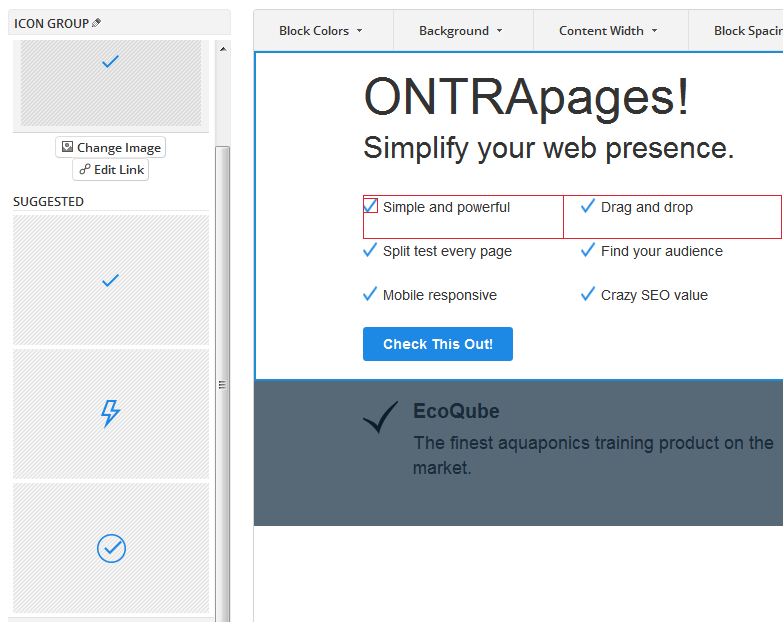
We added two additional Product Details blocks with different bullet images; we have large checkmarks in several different colors in one, and then a selection of different icons in the other:

You can substitute any image you want for the bullet icons. 

Frank Hagan 0 votes
Comment actions Permalink