
Official comment

You can now have PayPal collect in Euros!
First, your account should be configured to use Euros in Administration > Data > Localization.
Then, you should see this drop down in your PayPal gateway in Sales > Settings > Gateways. This image shows USD and AUD in the PayPal gateway configuration in ONTRAPORT (your account will show EUR there instead of AUD): 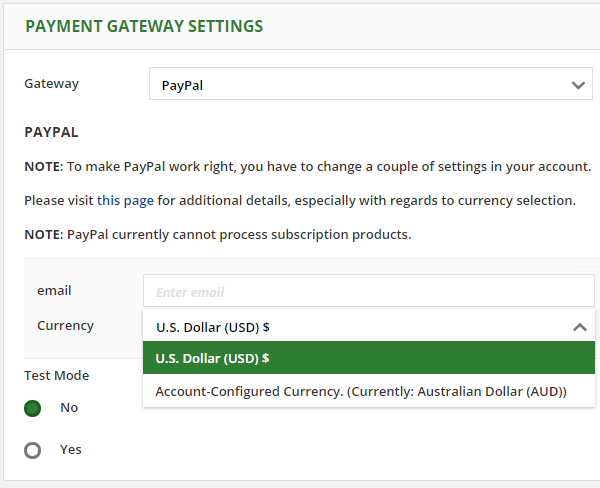
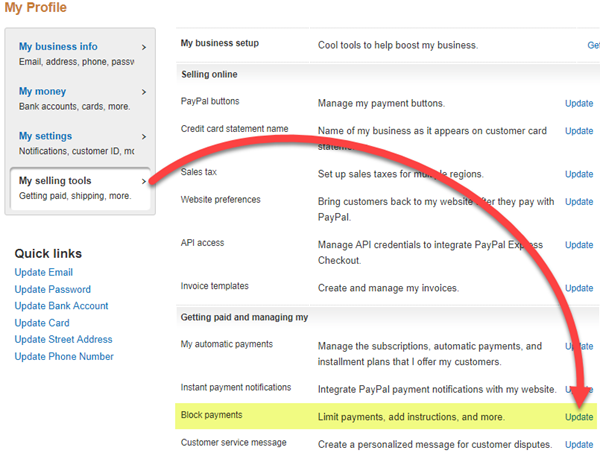
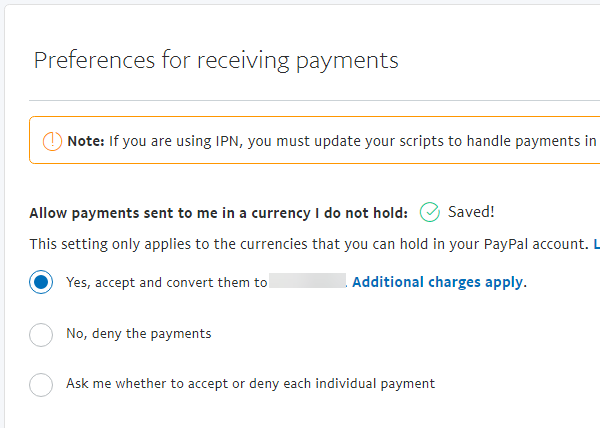
If you have already used Euros in that PayPal account you should be good to go, but you should test it with a one euro transaction. PayPal may block the payment pending your approval of accepting Euros. If they do so, you can configure PayPal to accept other currencies by following the instructions in our Configure PayPal article.


Comment actions