Official comment

You can manage a Contact's credit card from within their Contact Record. Follow these steps:
- Navigate to the contact whose card you want to update.
- Once you're within the Contact Record, click Actions in the top center.
- Select "Manage Credit Card."
- This will open up a summary of their information or a blank form if they have never purchased before. Select "Edit" in the top right.
- Enter their new payment details and hit Save.
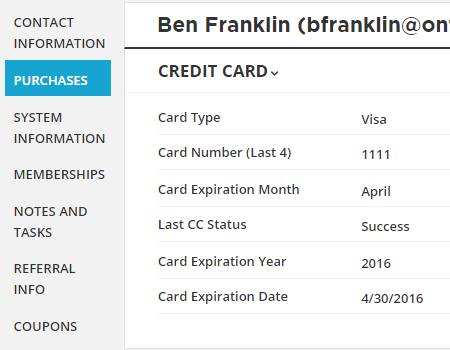
You're done! The credit card information is now updated and you can process manual transactions using the new information.
For more information on Manual Transactions, click here.


Comment actions