Official comment

Did you know you can type to search those dropdown values?
Comment actions

Sort the Blocks by name when adding Blocks to messages and using the "COPY FROM EXISTING MESSAGE" pulldown. It's currently in a random order.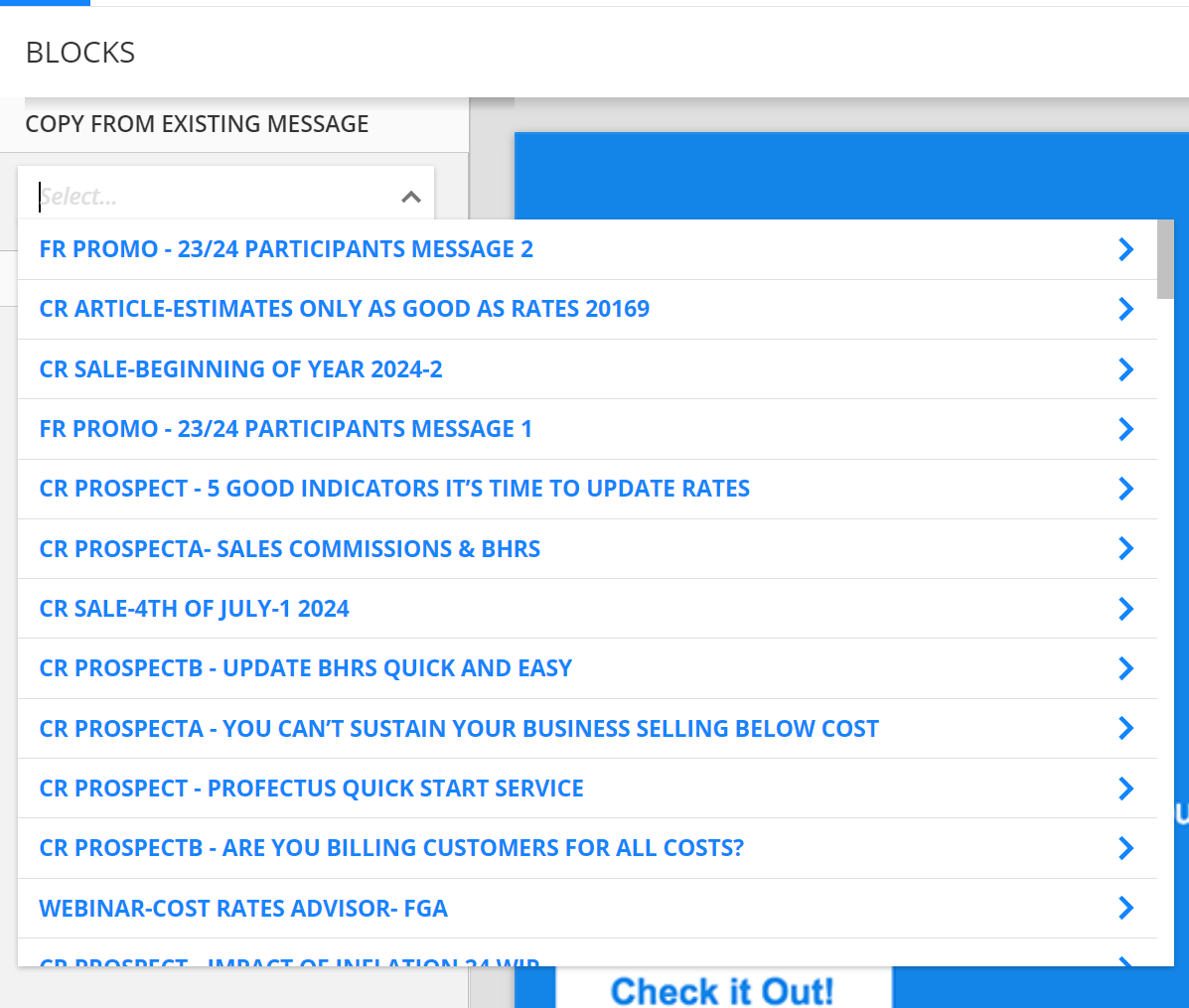
Did you know you can type to search those dropdown values?
Please sign in to leave a comment.
Thanks Ray. Yes, I have been using that method. I have some very common templates blocks (i.e. coupons, footers, signatures, etc.) that I use a lot and was hoping to get them to the top of the pulldown list, instead of the extra keystrokes to type/search "Template". It would be great if I could add my own Blocks to the Ontraport blocks (just for my account)
You can. Just favorite them, then find them in your favorites.
I never knew. Do you have a link to the help?
I was referring to email Messages. Can I add email message blocks to favorites for pull into other email messages?
Oh, not sure.. but Ontraport Mail v3 is deep in dev and will work like pages soon!