

#tip for you if you want to perform a MANUAL MERGE of records.
Normally people (inc prior versions of me) would use e.g. First Name and Email, or just Email, or First Name and Last Name to Find & Merge Duplicates.
If you have a large and/or unclean list, this can be super annoying. It also can make it difficult to clean up duplicates /as you go/. Because it's too hard to then process them in a sea of pages. Especially if you're trying to merge records that don't have anything in common so they don't even show up on that list, but you know they're the same person.
Here's a workaround.
Create a custom field e.g. Manual Merge Text.
When you come across duplicates (which I typically do in a Collection), you:
Normally people (inc prior versions of me) would use e.g. First Name and Email, or just Email, or First Name and Last Name to Find & Merge Duplicates.
If you have a large and/or unclean list, this can be super annoying. It also can make it difficult to clean up duplicates /as you go/. Because it's too hard to then process them in a sea of pages. Especially if you're trying to merge records that don't have anything in common so they don't even show up on that list, but you know they're the same person.
Here's a workaround.
Create a custom field e.g. Manual Merge Text.
When you come across duplicates (which I typically do in a Collection), you:
-
Select the records you want to merge
-
Change field value on Manual Merge Text to whatever you want
-
Go to Settings:Find & Merge Duplicates
-
Select that custom field and only that custom field on the next screen (shown)
-
Go ahead and do your "manual" merge
Afterwards either nuke that field value or have an automation somewhere that nukes that value after 15 minutes (e.g. Trigger on field change, wait 15m, set field to "")
Hope that helps someone.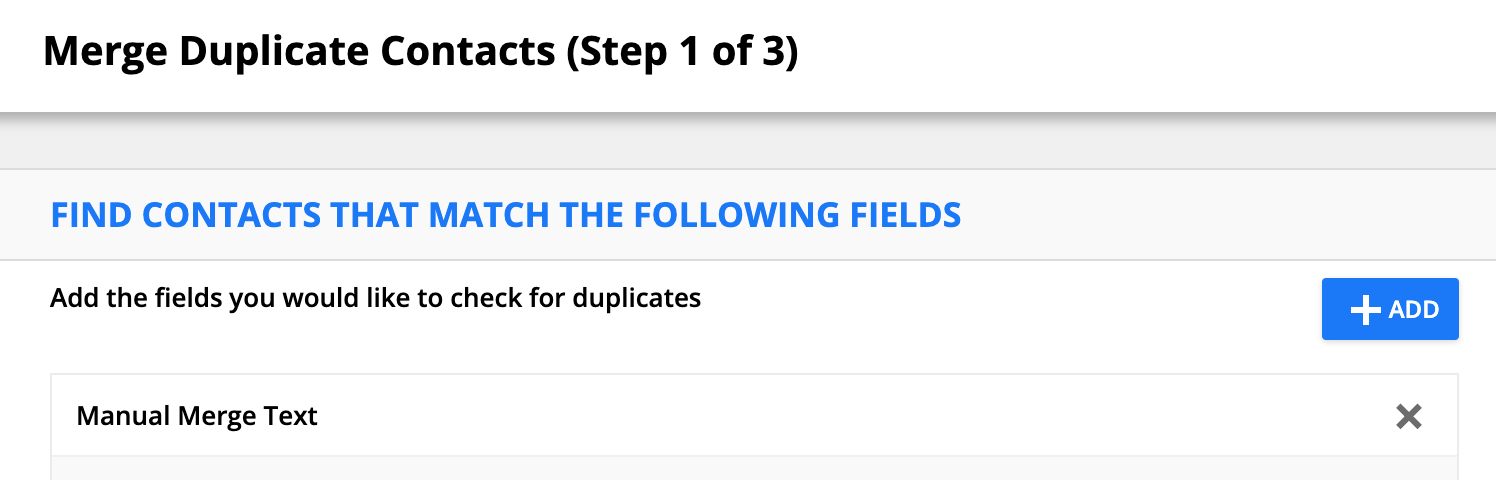
Comment actions


