Official comment

Today we released a new custom field type named Date and Time. You can add fields of this type in your Contacts records by navigating to Contacts > Settings > Field Editor.
You can create a campaign to automate reminders using the exact time of a scheduled event by using the Date and Time field on your wait elements. This not only saves you time; it also lets you use the same campaign for multiple contacts with different scheduled appointment times saved in their records.
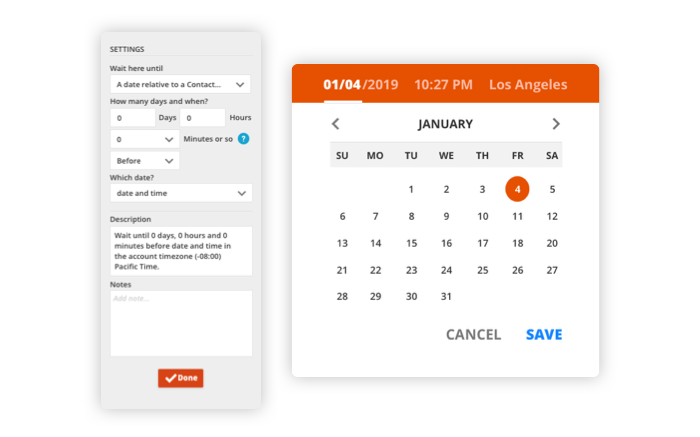
The Date and Time field also gives you more flexibility when you import and export contacts because you can choose between the standard date and time format or UNIX time. If you are importing from another service that does not use UNIX time, you don’t need to convert your data — just select standard time.
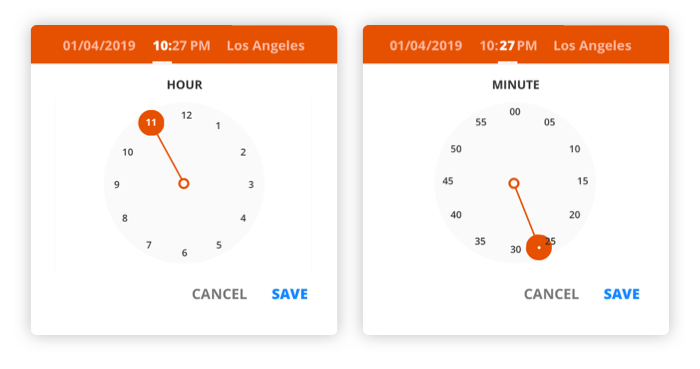
A new date and time picker is available anywhere one of the custom fields is used:
All of these settings are also available through the API so, regardless of the method you use for your scheduled events, you will be able to manage them with more control and ease.