Official comment

Good idea, but not simple to implement. In the meantime, find the video I have posted on Facebook showing how to use custom classes to create conditional elements on pages.
Comment actions

We need the ability to put conditional display settings on individual elements. NOT JUST BLOCKS. It is extremely frustrating why this is not a feature already, as it kills the entire design of your website when a condition has to be displayed across the entire width of your website. The conditions should apply to an element nested within a column. Please make this adjustment ASAP.
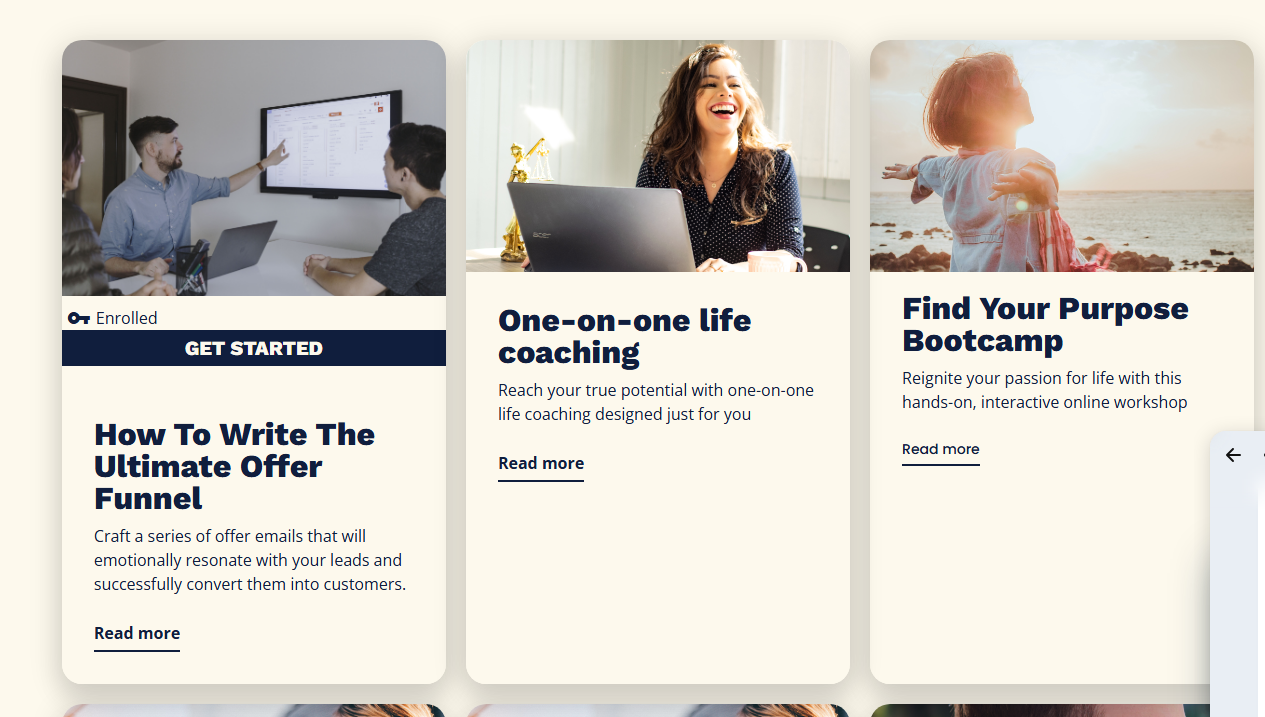
For instance on the image below, we simply want the display condition to change from saying enrolled to not enrolled depending on if they are a member of that course. And we want the button to change from Get Started to Resume if they started the course. That should be so easy to do, but because it is an element in a column, rather than an entire huge block, it cannot be done. The condition of being enrolled in one course has to take up the entire width of the website. Why is that?!
Good idea, but not simple to implement. In the meantime, find the video I have posted on Facebook showing how to use custom classes to create conditional elements on pages.
Please sign in to leave a comment.