
Official comment

Hi Ken,
For a quick overview of how to create tasks and task outcomes please view this slidedeck: http://support.ontraport.com/entries/66177314-How-do-I-Automate-employee-actions
Specifically, to send a task to a non user you'll need to set the notification to go to a "specific email address":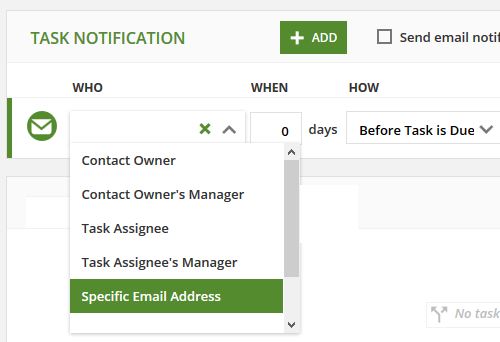
While your user will still be the owner of the task the email similar to this will be sent to your agent: 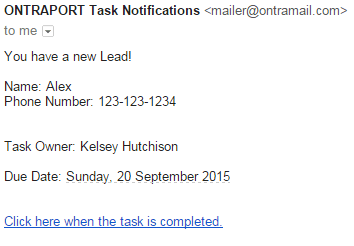
From that link in the email your agent can select and outcome where the follow up actions are dictated by the outcome rules you've created on the task settings. Please reply here or email support@ontraport.com if you have any further questions.


Comment actions