
Official comment

You can do this with Automations now. We only show people what they are subscribed to. Here's an example of what it looks like: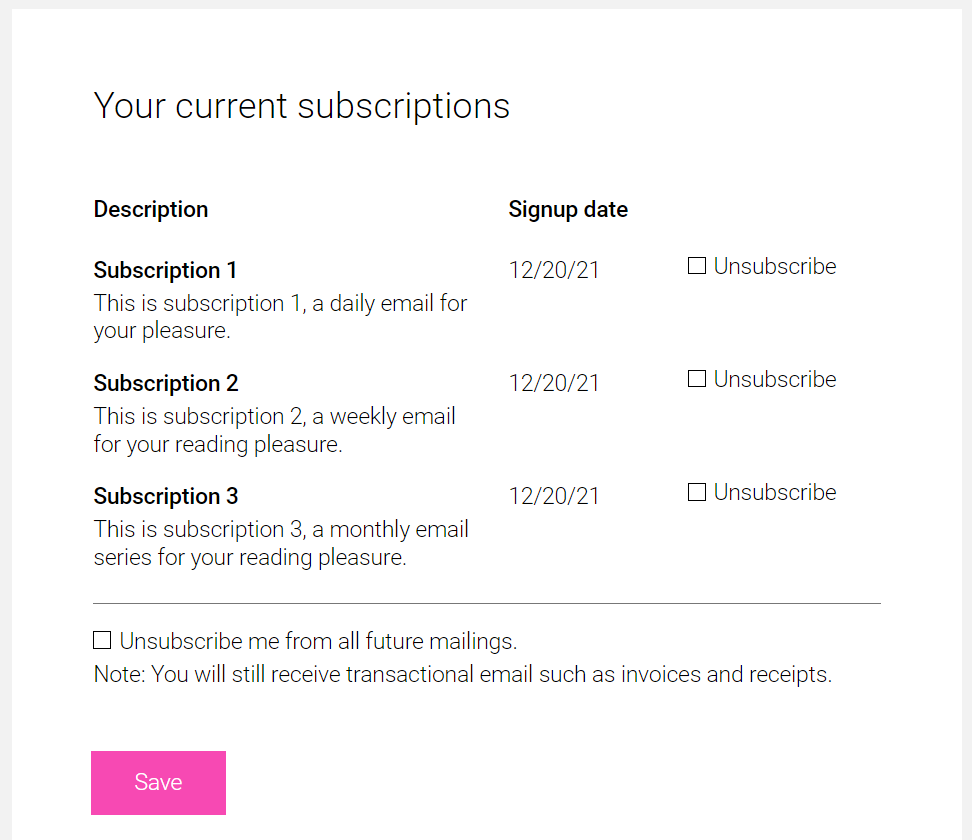
This contact was subscribed to "Subscription 1", "Subscription 2" and "Subscription 3". We only show what the individual contact is subscribed to.
Here's how to set it up. In the Automation, click the Publish button, then the "Subscription Settings" link: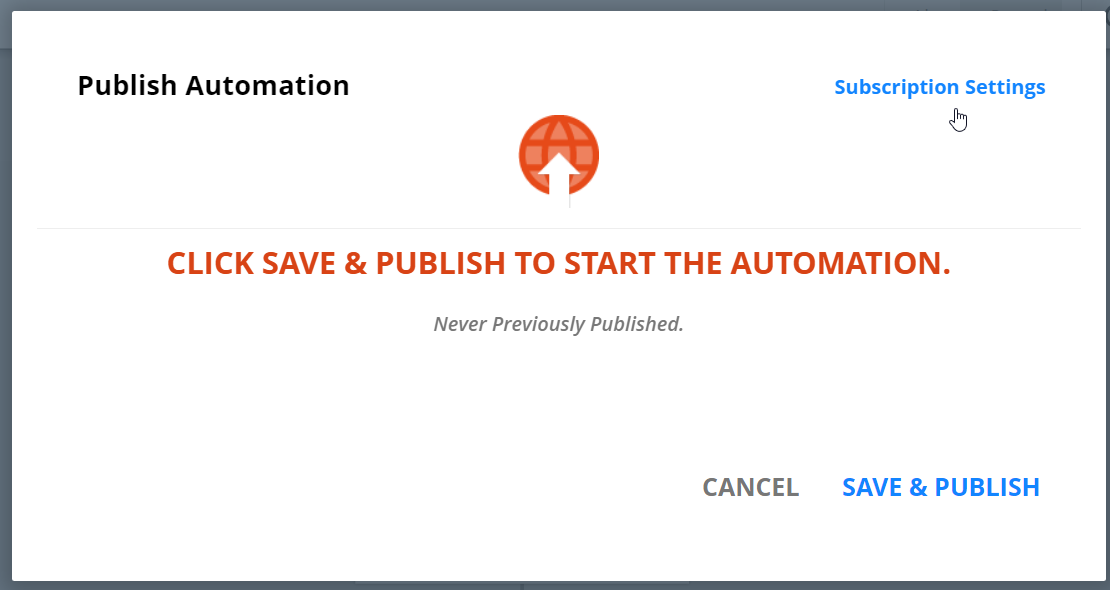
On the next dialog, you can specify that the Automation appears on the unsubscribe page, and if it does, what the public name and description should be.
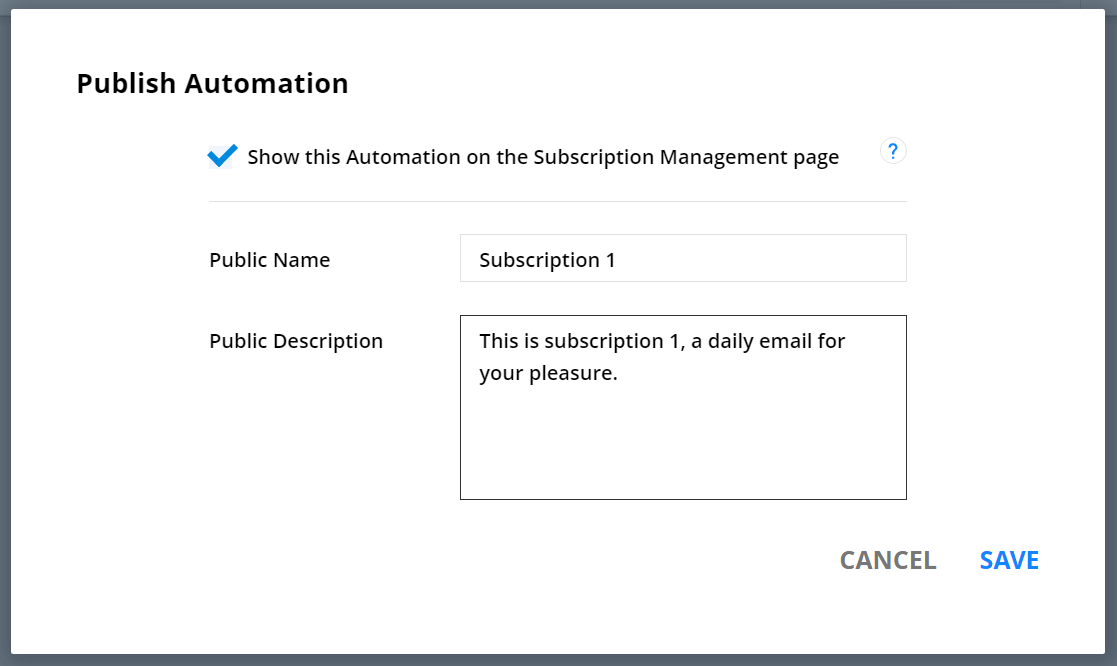
Save, then finish publishing your Automation.
Any contact who is subscribed to an Automation will see the public name and description of it, and have the opportunity to unsub from them or from "All".


Comment actions