Official comment
You can now format the output of merge fields, allowing you to display the Contact Record fields as capitalized (without changing the underlying data!) See our article on Formatting Merge Fields for more information.
ONTRAPORT doesn't have an "automatically capitalize names" feature, and a lot of my contacts are using all lower case when they opt in on mobile. Other than individually editing each record, is there a way to get contact names capitalized?
You can now format the output of merge fields, allowing you to display the Contact Record fields as capitalized (without changing the underlying data!) See our article on Formatting Merge Fields for more information.
Please sign in to leave a comment.
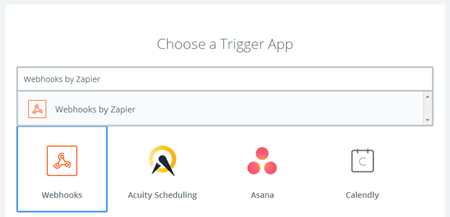
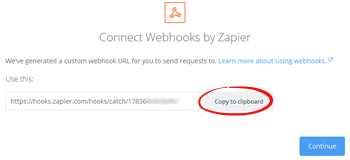
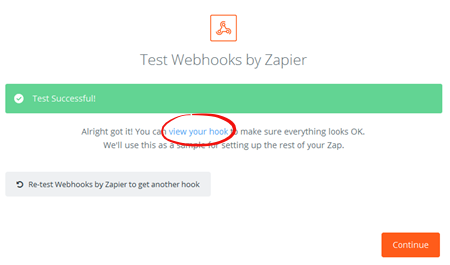
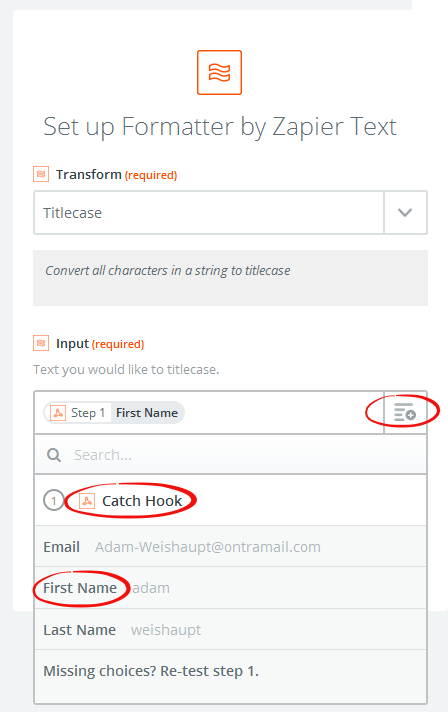
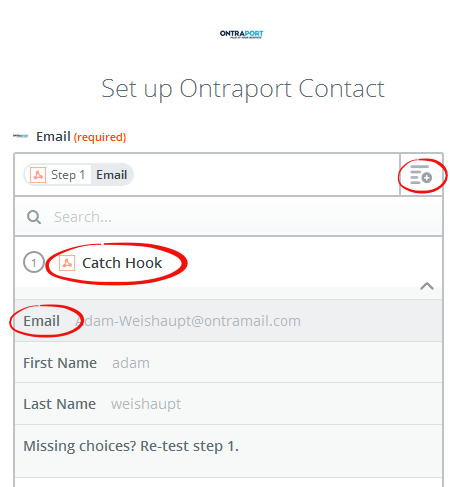
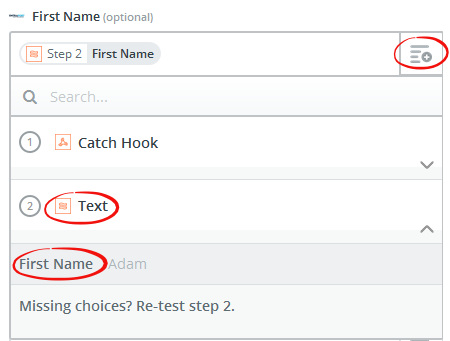
You can use Zapier to update your Contact Records if you want to actually change the data stored there to be capitalized. We usually recommend leaving the data as is and formatting the output when used in merge fields, but some clients may have to regularly export Contacts or use an API to merge them with other systems, and want to know how to automate changing the data. A Rule, either as a step in a Step Sequence or a global Rule triggered by something else, can send the Contact first name, last name and email address to Zapier and Zapier can update the Contact Record with the capitalized name. The instructions below work for the free version of Zapier and uses two "Zaps"; you can combine the steps into a single Zap if you have a paid version of Zapier.